Adding and Navigating a Marketing Company
Last updated: June 22, 2026
This article explains how to create and edit a Marketing Company (Market) in BindHQ. Follow the steps below to add a marketing company details and manage them within the system.
To Add a Marketing Company
Click "Partners" on the left navigation side bar.
Select the Markets & Carriers subsection, then click Create new marketing company in the Marketing Companies section.
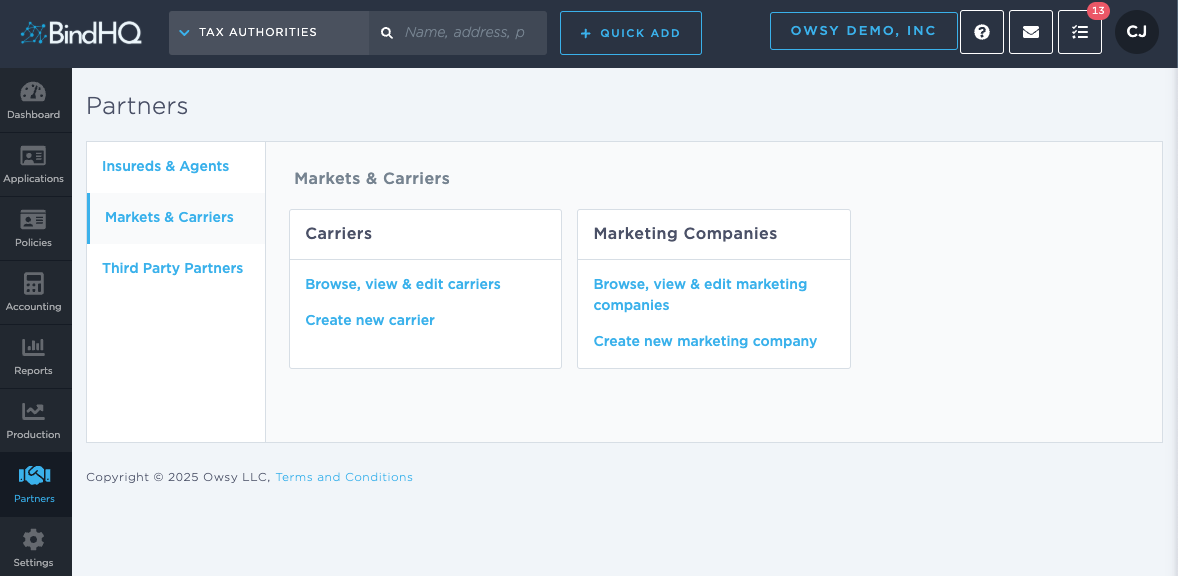
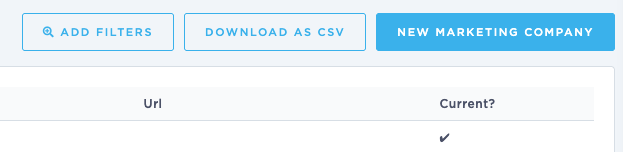
NOTE: You can also click "Browse, view & edit marketing companies" and use the button in the top right to add a new marketing company:
Fill in the needed information and Save Marketing Company.
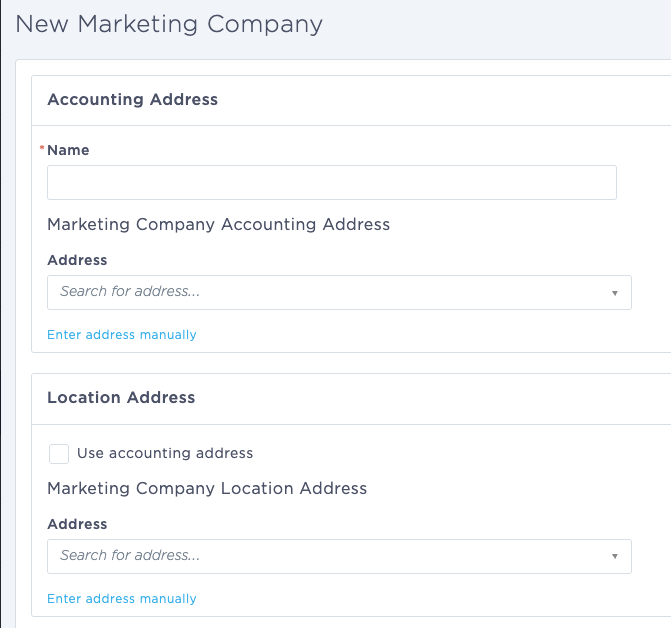
Marketing Company details
Name
Marketing Company Accounting Address - Start typing the address to trigger the Google lookup and select it from the drop down, or click "Enter address manually" for addresses not found via Google lookup.
Location Address - Click the "use accounting address" box to use the Marketing Company Accounting Address as the location address.
Mailing Address - Click the "use accounting address" box to use the Marketing Company Accounting Address as the mailing address.
Contact (optional)
Phone - Contact's phone number
Fax - Contact's fax number
Email - Contact's email address (recommended for emailing out of BindHQ)
URL - Contact's website address
Bank Details - Users with the Bank Details permission can select the marketing company’s bank and enter their bank account number, if available.
Administration
Check the Accounts current? checkbox if applicable or use the Parent drop-down to select a parent company.
To bill the parent company, check the Bill to parent checkbox.
Payment Terms - Fill in the marketing company’s terms and collection deadline.
Carriers - Add any carriers associated with the marketing company. Users will be restricted to these carriers on a quote where this marketing company has been selected.
System Status - Use this check box to set a marketing company to inactive.
Navigate a Marketing Company
Once a Marketing Company has been added in BindHQ, you can access it in the Partners section by navigating to the Markets & Carriers sub section and clicking "Browse, view & edit marketing companies".
From here, you can filter the list as needed to find a marketing company.
From the Search bar
You can also use the search bar to search for an existing Marketing company and navigate to their BindHQ profile page.
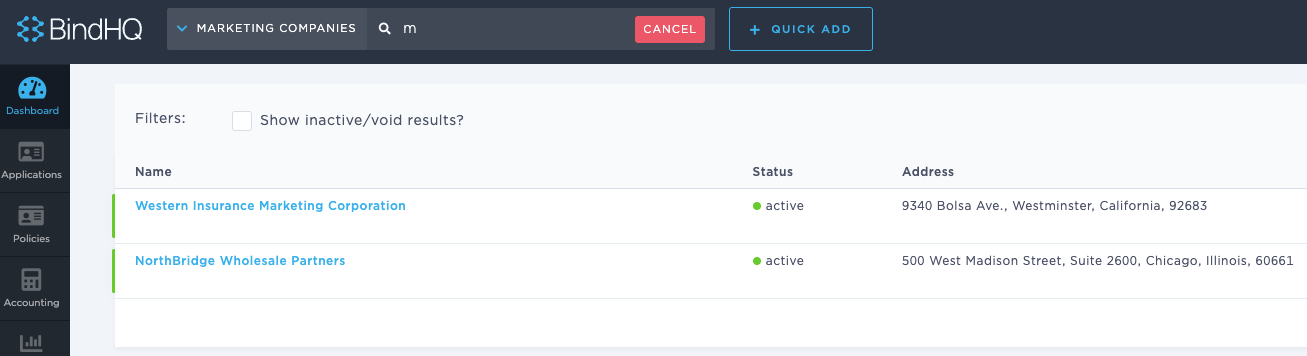
After navigating to a marketing company’s page, use the tabs to view or update the company’s information.
Last Update: June 2026