BindHQ Insurance Rating Functionality
Last updated: July 5, 2025
Applies:
- Underwriting Manager
- System Administrator
Last Updated: November 2024
This article
This article is intended for users responsible for configuring and managing rating formulas within BindHQ, such as underwriting managers who oversee premium calculations and system administrators who maintain the technical aspects of rating configurations.
Overview:
The Insurance Rating functionality in BindHQ provides users with the ability to enter Excel-like expressions, which are used to calculate rates and premiums for various insurance programs. This feature allows for dynamic and customizable rate management using a variety of functions. Users can access this functionality within existing programs that have been created in the Settings area under Quotes & Programs.
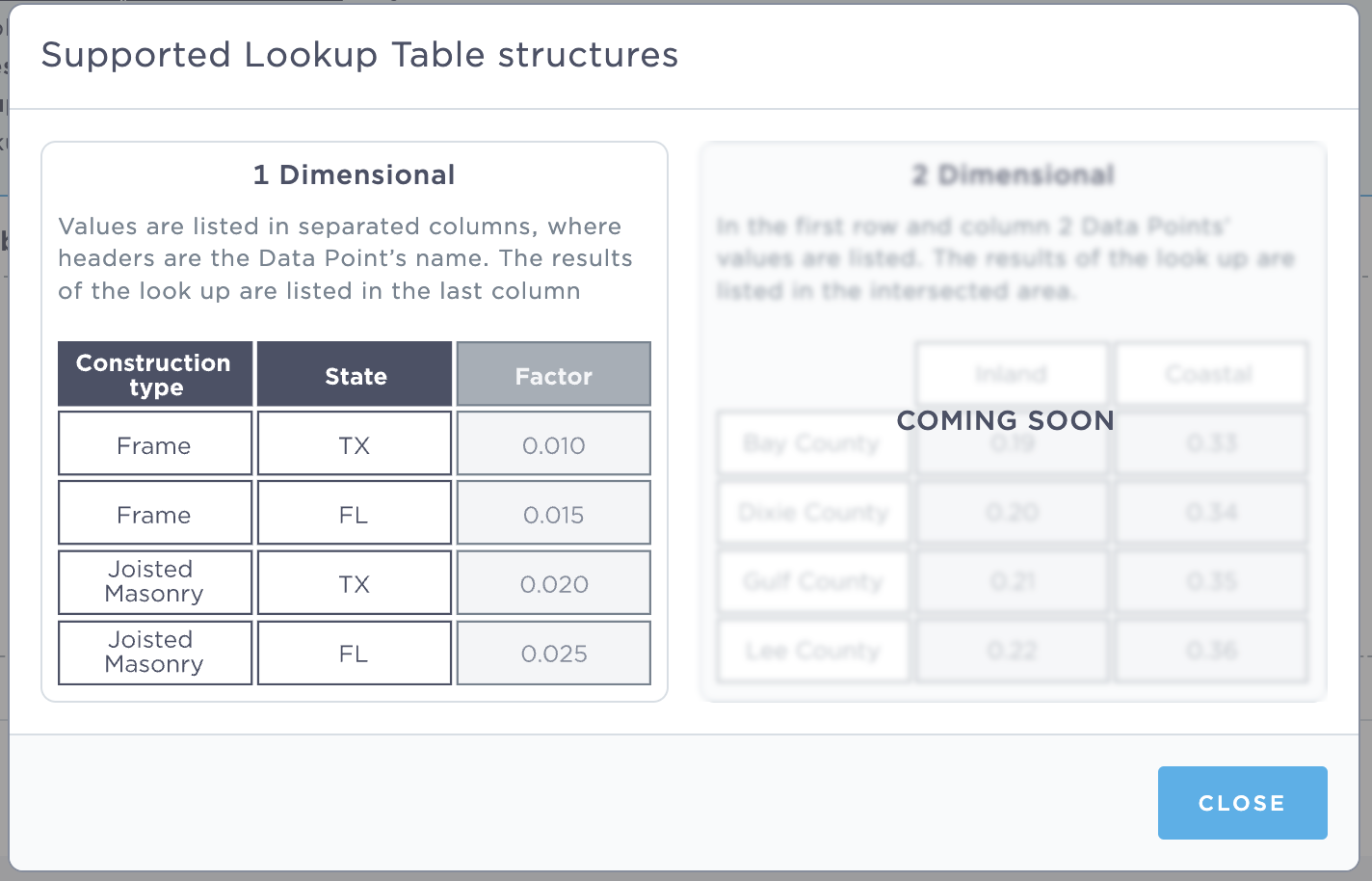
The rating tool enables you to upload tables of data that can be used as varialbes to support your rating model. BindHQ currently supports 1-dimensional tables in CSV format.
Accessing Insurance Rating:
- Navigate to the Settings area.
- Go to Quotes & Programs.
- Select Browse, view & edit programs.
- Click on Manage Rating for the desired program.
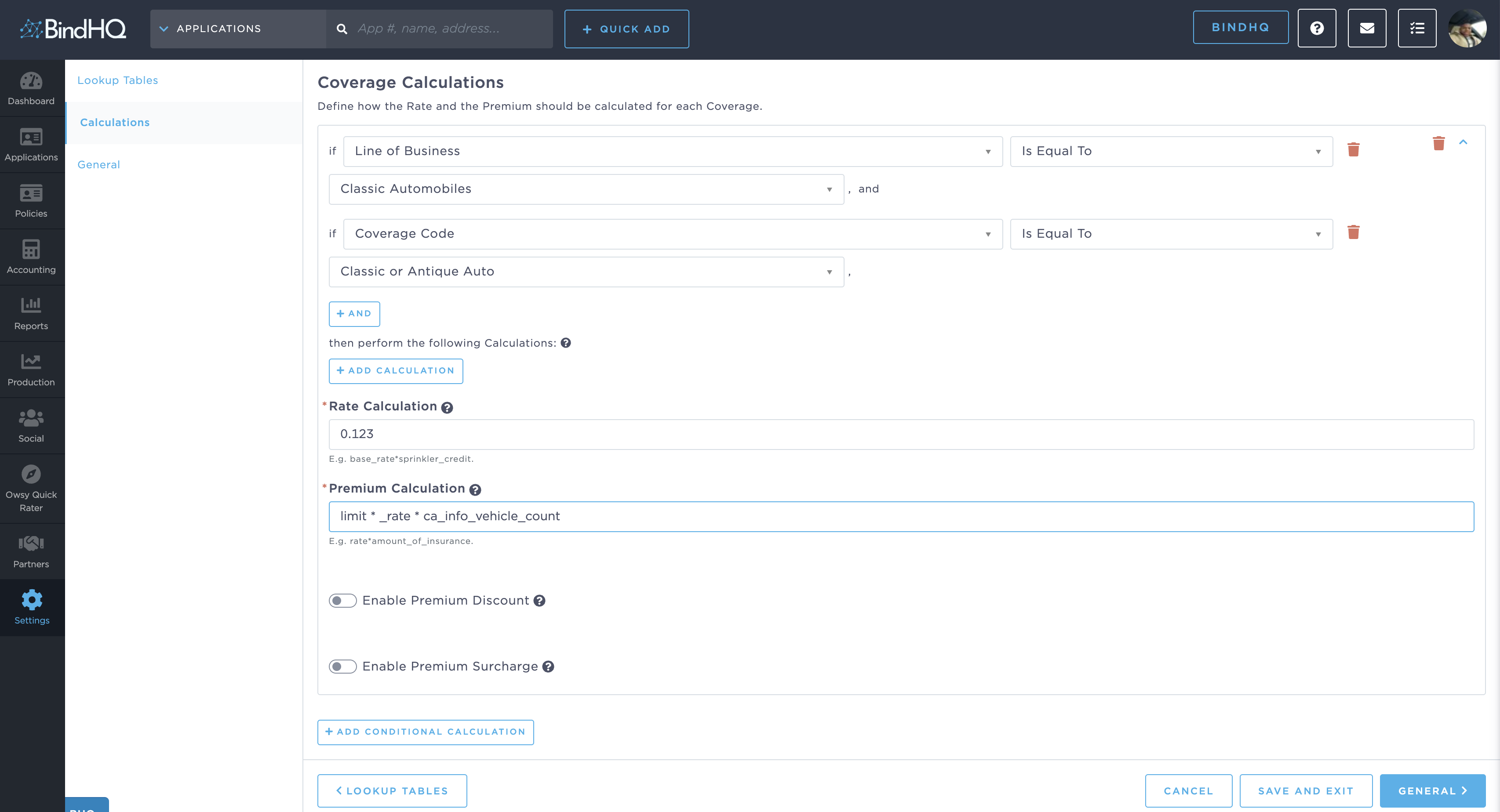
Once your rate tables are uploaded you can use data from your insurance product and our expression language to calculate premiums, and credits.
Key Functions for Insurance Rating:
1. Lookup Function:
The lookup function allows you to fetch values from a data table based on specified criteria.
Syntax:
lookup("table_name", [value1, value2])
- Description: Retrieves values from a specified data table using the input values as criteria.
- Error Handling: If a match is not found, an exception is thrown, and the rating process will fail.
Optional Default Value:
lookup("table_name", [value1, value2], default_value)
- Description: When a default value is provided, it will be returned in case no match is found, preventing an exception from being thrown.
2. Match Function:
The match function enables matching against a set of values. The result is the minimum value in the set that is greater than the provided value.
Syntax:
match(value, [set_of_values])
-
Example:
- Input:
match(3, [1, 5, 7]) - Output:
5(the smallest value in the set greater than 3)
- Input:
- Error Handling: If no match is found, an exception is thrown.
Optional Default Value:
match(value, [set_of_values], default_value)
-
Example:
- Input:
match(9, [1, 5], 7) - Output:
7(as no values in the set are greater than 9, the default is returned)
- Input:
3. Variable Function:
The variable function is used to retrieve the value of a variable by name. This is particularly useful when a lookup returns the name of a variable, allowing for the translation of a string into a usable variable value.
Syntax:
variable("variable_name")
4. Round Function:
The round function allows for rounding a value to a specified number of decimal places.
Syntax:
round(value, decimal_places)
-
Example:
- Input:
round(12.34567, 3) - Output:
12.346
- Input:
Note: It is generally recommended to omit rounding and allow the system's automatic rounding to three decimal places to handle calculations.
Summary:
BindHQ’s Insurance Rating functionality empowers users with flexible and powerful tools to manage insurance rate calculations. Whether it's using lookups to retrieve values from data tables or applying rounding to calculated values, these functions ensure accurate and efficient rate management.
For further details on using these functions or troubleshooting errors, please consult the BindHQ support team or reference the provided examples within this guide.