Ordering an Inspection
Last updated: July 5, 2025
Ordering an Inspection from the Administration tab
Applies to:
- Producers [/ Underwriters]
- Assistants
- Issuance
Last Updated: September 2020
Ordering an Inspection
- Navigate to a bound Policy and select the Administration tab.
- On the left, click Inspections.
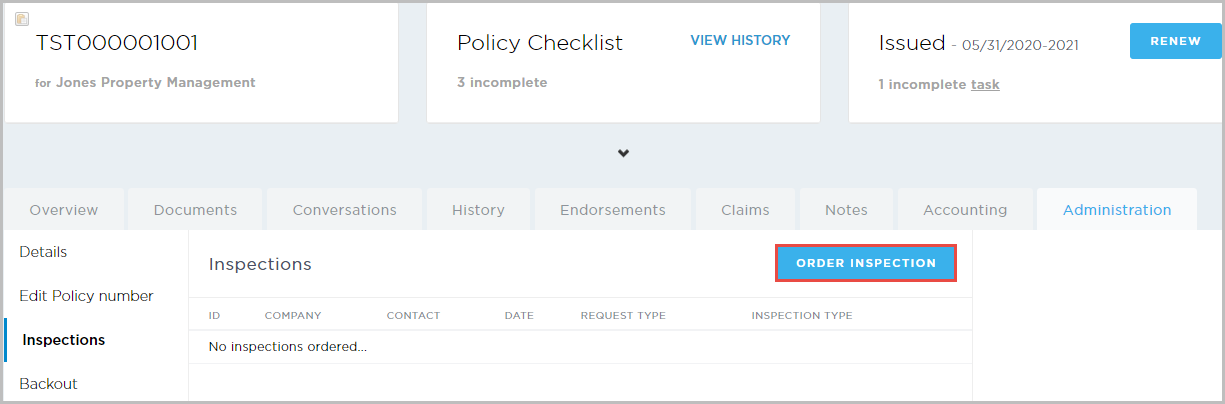
Any previous inspections display on-screen. - On the right, click Order Inspection.
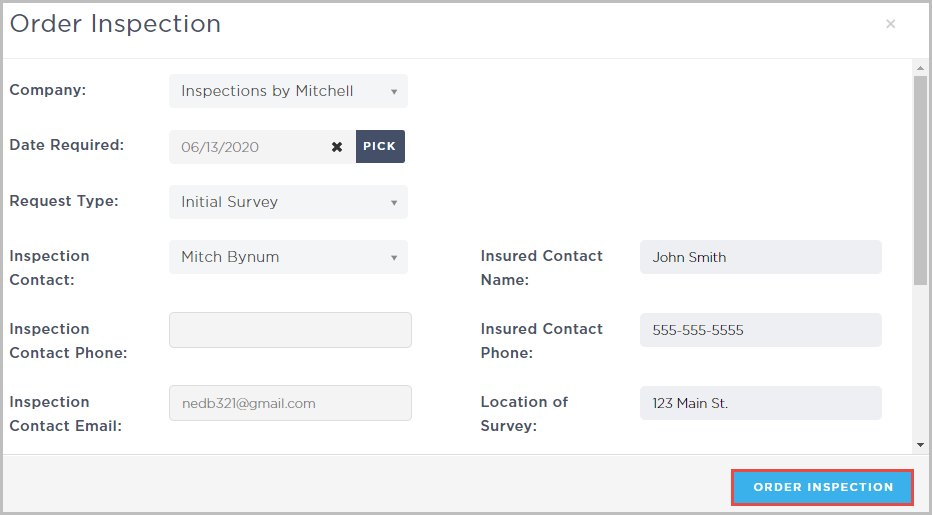
The Order Inspection pop-up opens. - Fill in all the inspection details.
- Click Order Inspection.
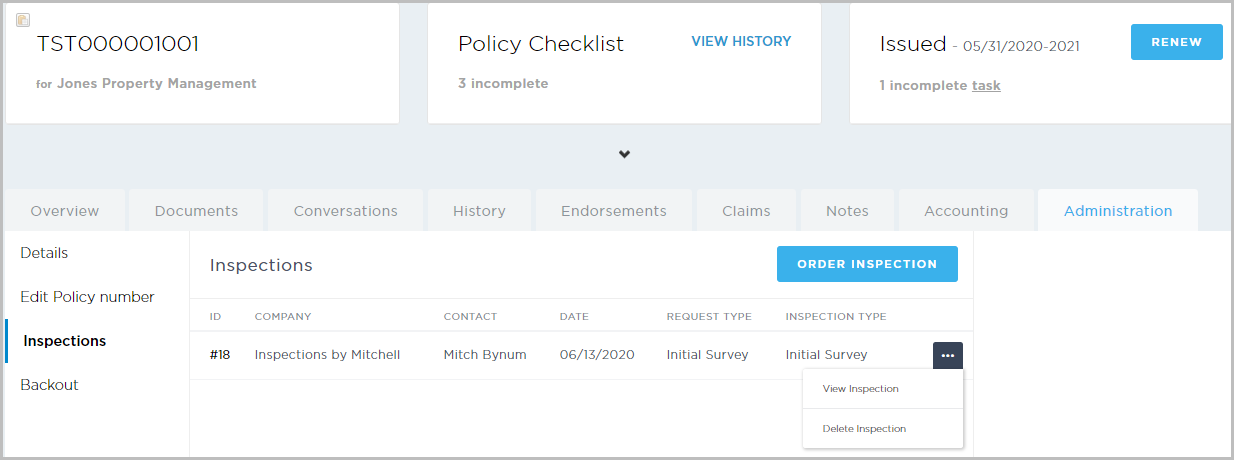
- The inspection is ordered and displays on the Inspections page. You can click the ellipsis on the right to view or delete the inspection.