Customize Task Types and Resolutions
Last updated: September 14, 2026
Introduction
BindHQ now allows for admins to make changes to task types and resolutions in your system.
How to create or edit task types
Navigate to Settings > Customization > Browse, view & edit task types.
Click "New Task Type" in the upper left, or click the name of a task to edit an existing task.
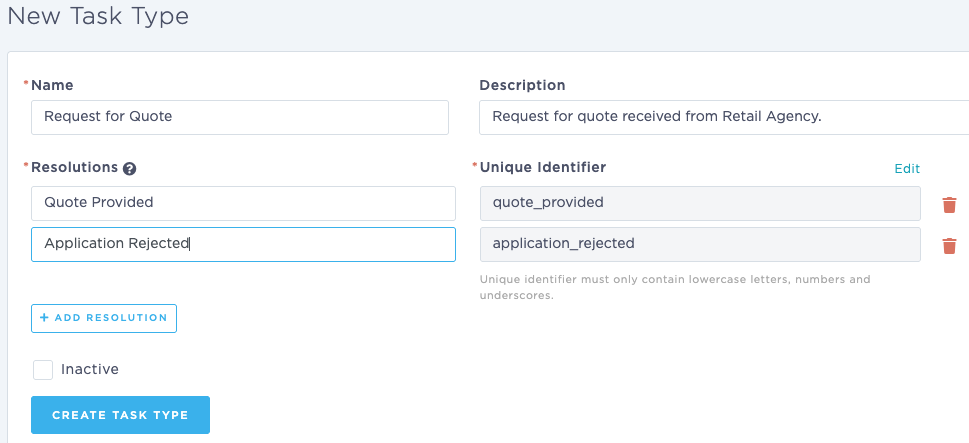
Complete the required fields:
Name (the unique identifier for this task type)
Description (optional)
Resolutions
There must be at least one resolution per task type
Resolution types can be used to trigger automations
Click Create Task Type
Remove an Existing Task Type
To remove a task type from your system, you can inactivate it from the task type list.
Navigate to Settings > Customization > Browse, view & edit task types.
Click the Task Type link to edit the task.
Check the Inactive box, then click Update Task Type
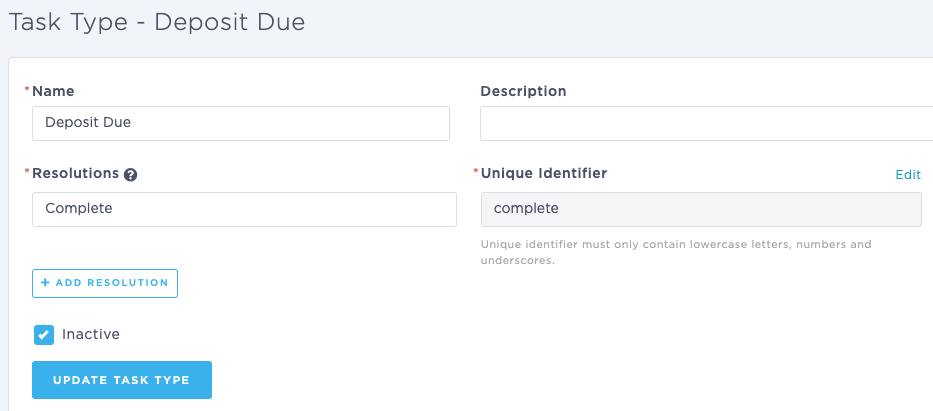
This will remove the task type from the available list when users create a new task.
Last Update: September 2026