Using the Renewals Overview Report
Last updated: July 5, 2025
You can use the Renewals Overview Report to quickly identify the monthly number of renewal policies and their premium amount.
Applies to:
- Managers
- Producers
- Producer Assistants
Last Updated: February 2022
This article explains how you can use the Renewals Overview Report to quickly identify the renewal policies and their premium in your book of business.
You can use this report to answer the following questions:
- How can I review all the renewals by revenue and account number?
You can find this report by going to the “Reports” tab in the side navbar, then going to “Production”, and then selecting “Renewals Overview.”
This report shows renewal data for each producer. The renewals can be displayed by either income or accounts. The report can be used by Managers, Producers, and Producer Assistants. In the top right corner of the report screen, you can also select the year for which you want to look at renewal data from the drop down menu.
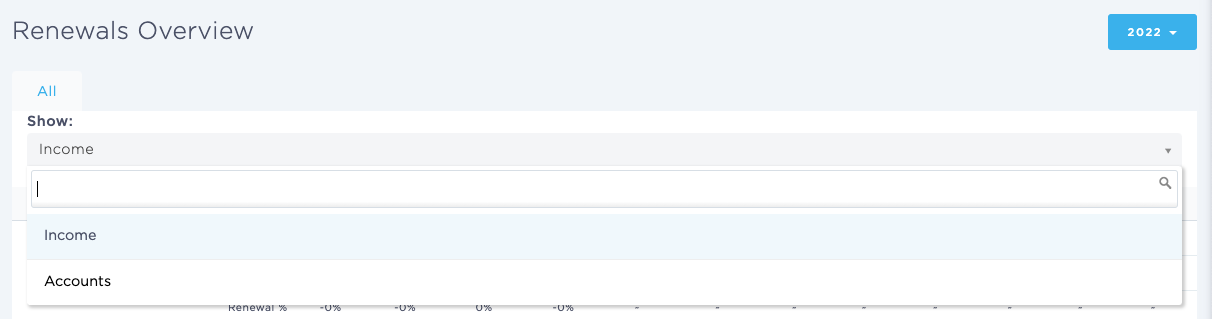
For Income, the data is segmented into:
- Monthly Premium amount for new business policies
- Monthly number of renewal policies
- Ratio of renewal accounts to new business accounts
For Account, the data is segmented into:
- Monthly number of new business policies
- Monthly number of renewal policies
- Ratio of renewal accounts to new business accounts
You can use this report to answer the following questions:
- How can a user identify the monthly premium amount for new business policies?
- How can a user determine the monthly number of renewal policies?
- How can a user calculate the ratio of renewal accounts to new business accounts?
This report will also give you insights into whether more focus needs to be placed on your agency’s renewal business, or if resources need to be devoted to chasing new business.
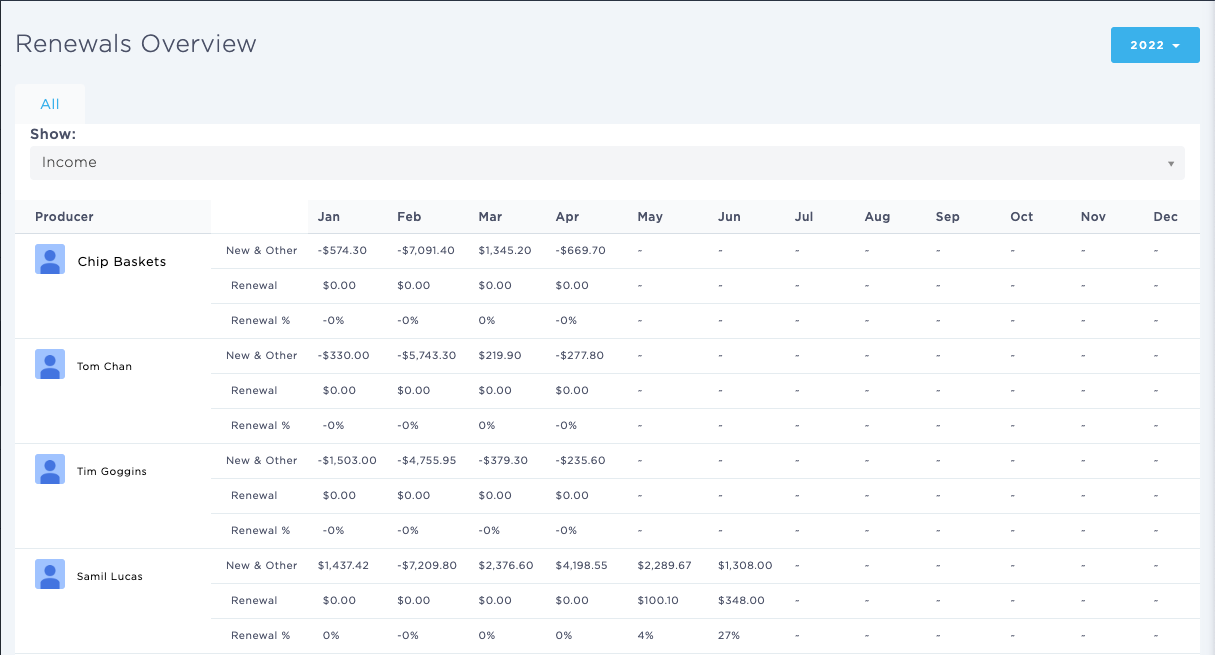
The columns included in this report are:
- Producer - [Producer]
- New & Other/Renewal/Renewal % - [New Business %, Renewal %]
- Months of the year - [Months of the year]
Keywords for Search:
- Renewals overview
- Renewals overview report