Using the Quick Add Menu
Last updated: March 9, 2026
Introduction
The Quick Add Menu allows users to quickly access commonly used actions in BindHQ without navigating away from their current workflow. This feature helps streamline daily tasks and improves efficiency when creating records or logging activities.
Quick Add Menu Overview
The Quick Add Menu is a shortcut tool that enables users to perform common actions from anywhere in the system.
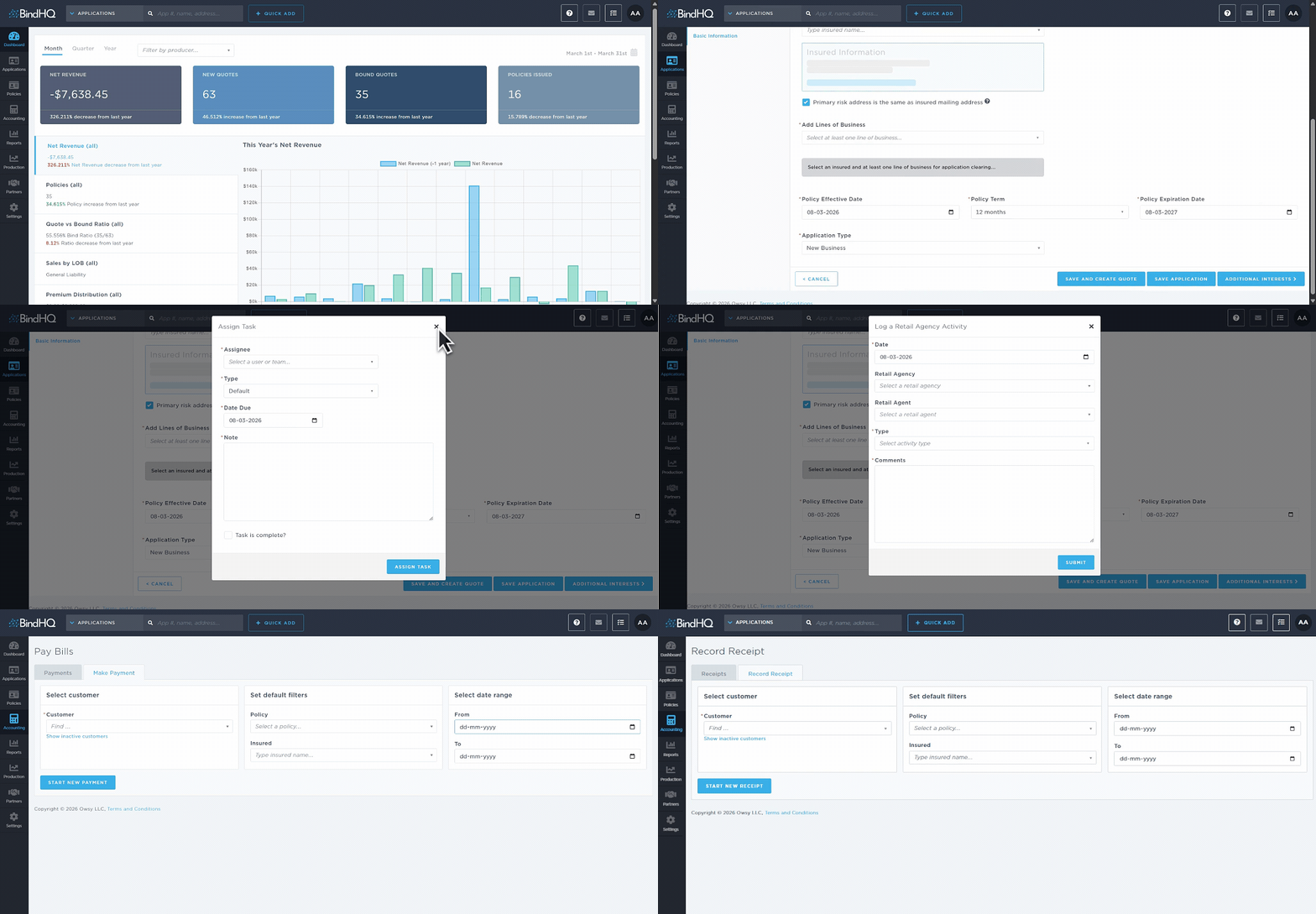
All users have access to the following options:
Add Application - Start a new application from anywhere in the system.
Add Task - Create tasks, choosing the assignee and the type of task. When viewing an application or policy, users can also create a task directly related to that item.
Add Agency Visit or Call - Log calls or in-person interactions with retail agencies and retail agents for tracking and follow-up.
Make a new payment - Opens the New Payment screen in Accounting, allowing users to create a payment transaction.
Record a new receipt - Opens the New Receipt screen in Accounting to record incoming payments or receipt transactions.
Last Update: March 2026