Getting Started with BindHQ: Partners Setup
Last updated: March 10, 2026
Introduction
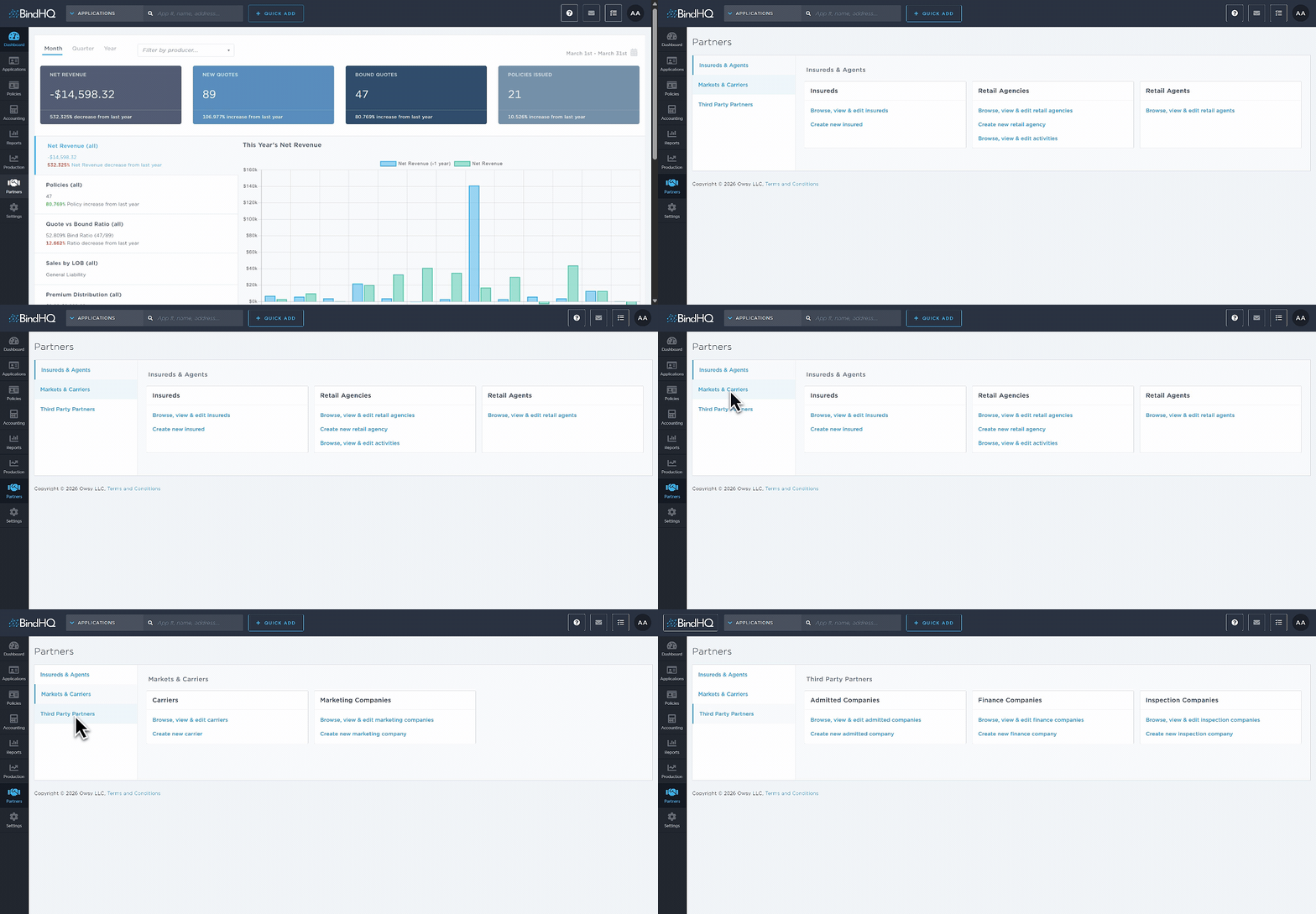
The Partners section in BindHQ allows you to configure and manage the external partners your agency works with. This includes insured individuals, retail agents and agencies, carriers, marketing companies, and other third party partners such as admitted companies, finance companies and inspection companies.
To access these options, navigate to Partners in the sidebar and select one of the following sections:
Insureds & Agents
Markets & Carriers
Third Party Partners
Each section allows you to create, edit, and manage the partner records used throughout BindHQ.
Insureds & Agents
Insureds: Creating and Editing Insureds
Retail Agencies: Adding and Editing Retail Agencies in BindHQ
Retail Agents: Adding and Editing Retail Agents in BindHQ
Markets & Carriers
Carriers: Adding Carriers to BindHQ
Marketing Companies: Adding and Navigating a Marketing Company
Third Party Partners
Admitted Companies: Creating and Editing Admitted Companies
Finance Companies: Adding and Managing a Finance Company
Inspection Companies: Creating and Editing Inspection Companies
Last Update: March 2026