Issuing a Policy
Last updated: August 3, 2026
Introduction
Once a quote has been bound, a policy is created in the system. This policy will show a status of "Not Issued" in the policy as well as in the Policy Listing.

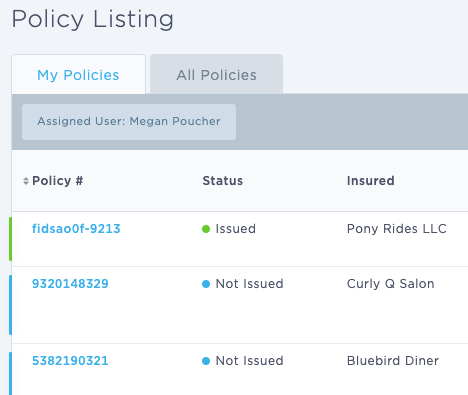
Issuing a policy
Note: Invoices and documents are generated when the policy is bound. You will see them in the Documents tab of the policy.
Once your quote has been bound, open the policy and navigate to the Endorsements tab.
You'll see your first policy transaction, the "0 - Bind" transaction.
Click "Issue" on the far right.

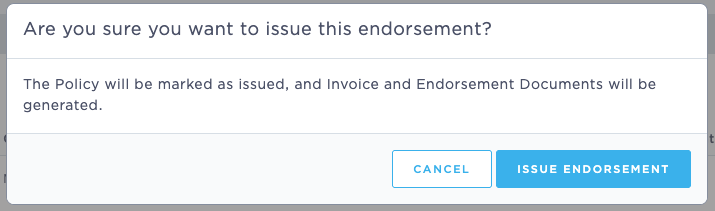
On the window that pops up, click "Issue endorsement"
Last Update: July 2026