Checking when a User last logged into BindHQ
Last updated: June 30, 2025
Steps to Check User Login Activity
Go to the Settings menu from the left navigation.
Under Company Settings, select Browse, view & edit users.
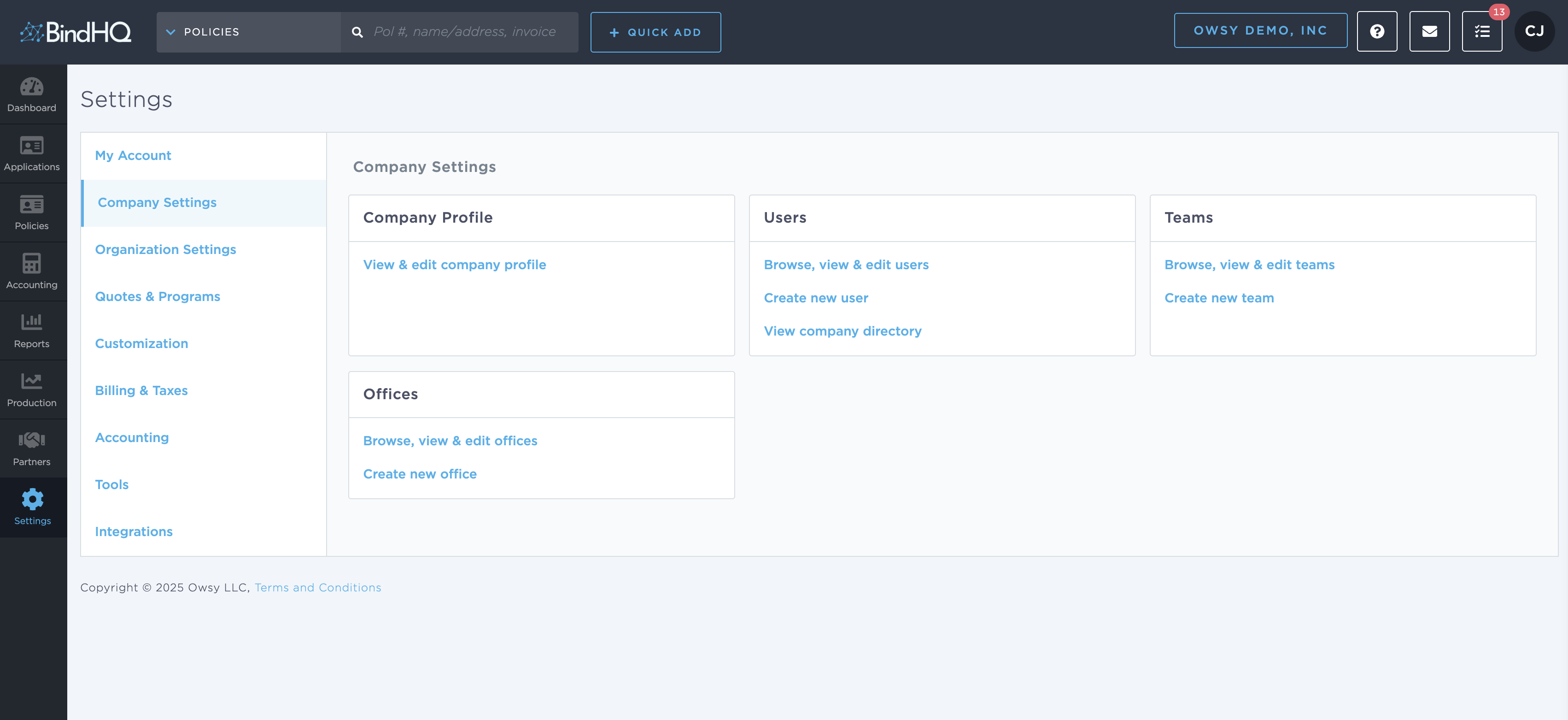
On the Users page, find and click the name of the user you want to review.

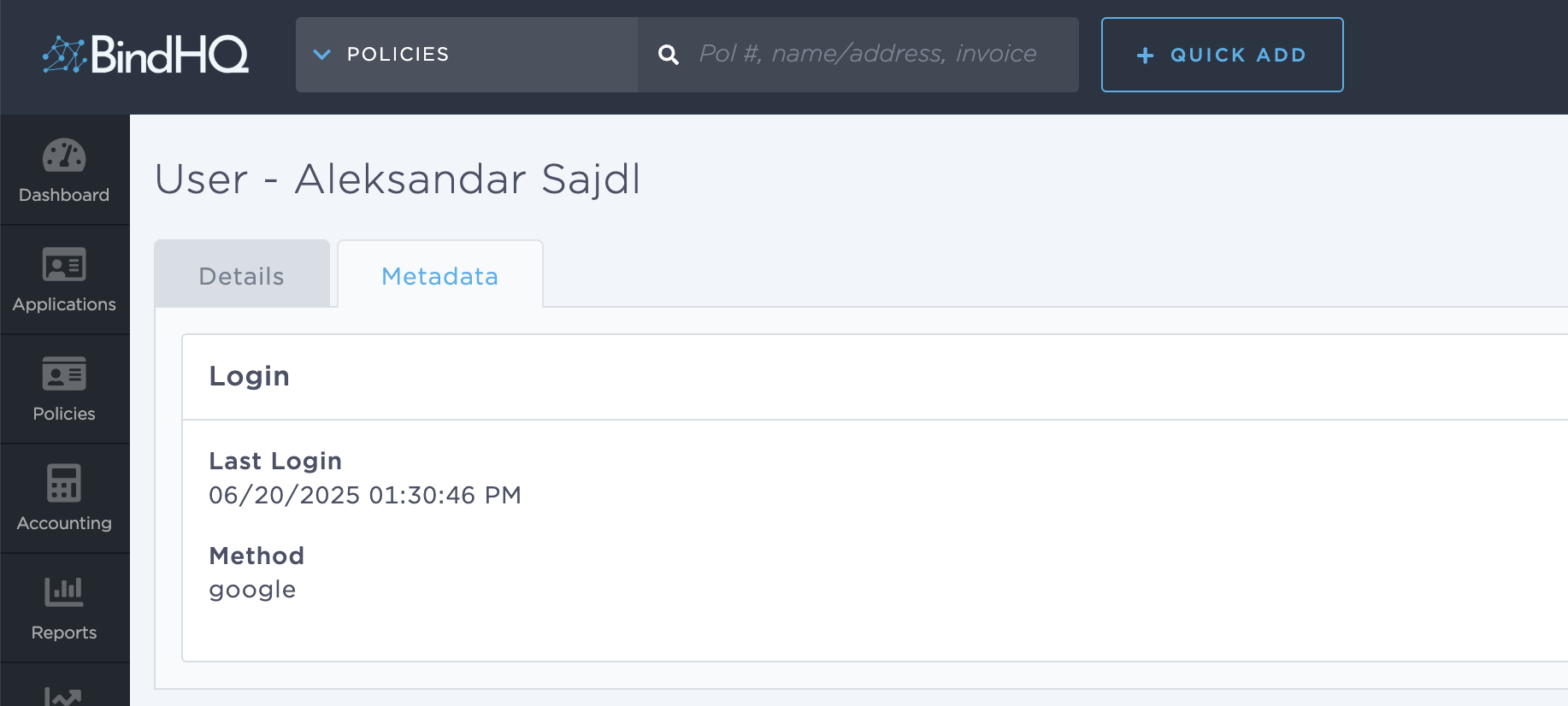
In the user profile, locate the Metadata section (usually at the bottom of the page or in a separate tab, if enabled).
Find the Last Login field. This shows the most recent date and time the user accessed BindHQ.
Notes
The Last Login value reflects only successful logins.
Users who have never logged in will show the field as blank.
This view also allows permission edits and account status updates if needed.