Using the Claims Report
Last updated: July 5, 2025
You can use the Claims Report to quickly download a set of claims
Applies to:
- Compliance
- Administrators
This article explains how you can use the Claims Report.
You can find this report by going to the “Reports” tab in the side navbar, then going to “Production”, and then selecting “Claims Report.”
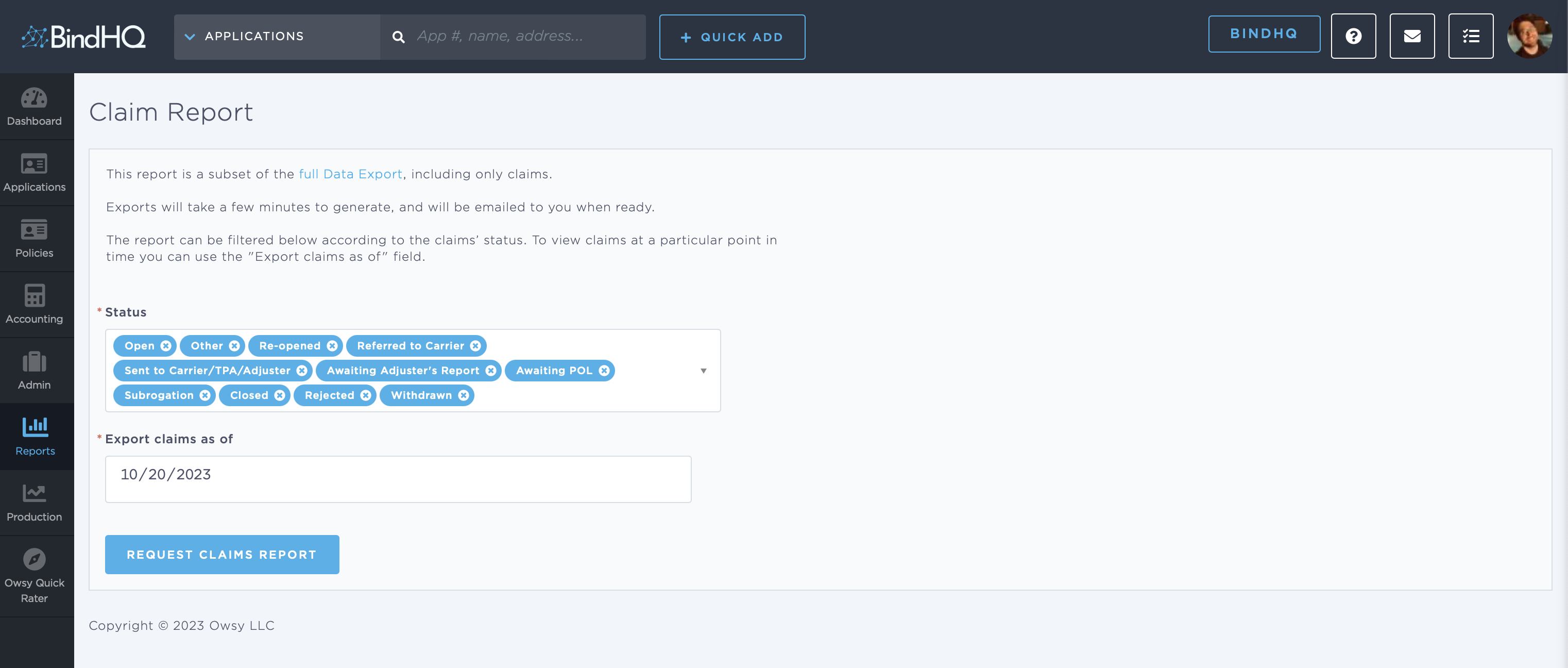
The report can be filtered to contain all claims based on the current status of the claim.
The report can be downloaded with an As Of date. This means that Claims will be reported as they were on the date specified above.
On clicking "Request Claims Report", you receive a link to a spreadsheet via email, which you can download.
If the email does not come through within 15 minutes, check your spam folder before reaching out to support.
Keywords for Search:
- Claims