Adding Additional Interests to Property Risks
Last updated: July 12, 2025
Additional Interests can be added to Property Risks during Policy Issuance
Applies to:
Producer [/ Underwriter]
Last Updated: September 2024Overview
This article explains how to add, edit, and manage Additional Interests on property risks within an application or quote in BindHQ.
Table of Contents
Add an Additional Interest
Assign Buildings & Relationship Types
Save Your Changes
Edit or Remove an Additional Interest
1 · Add an Additional Interest
Step | Action | |
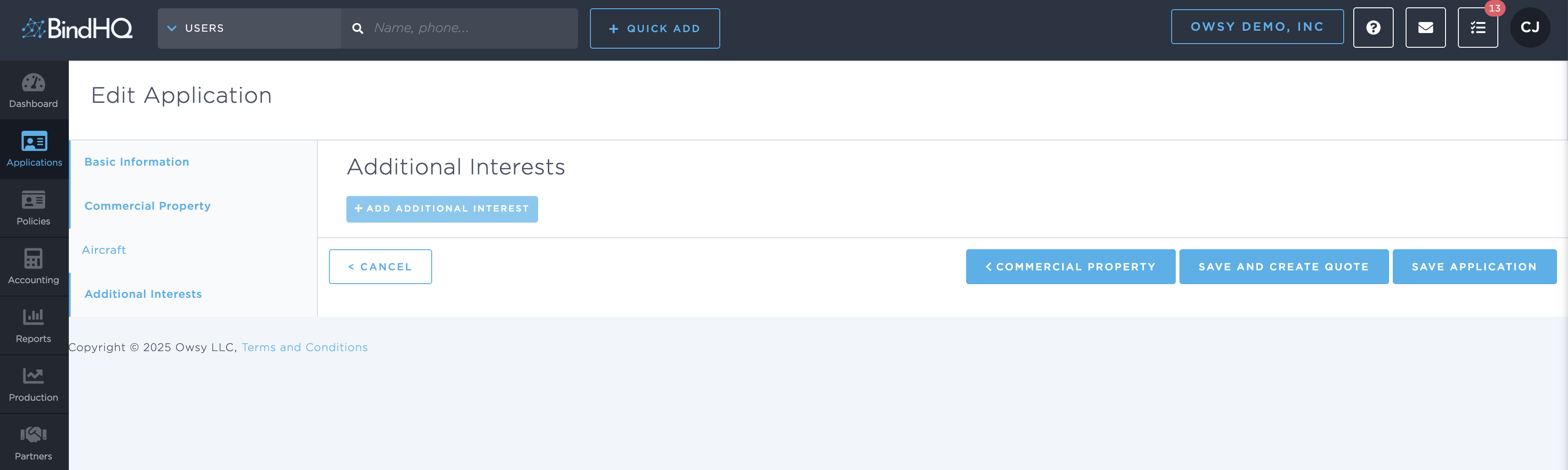
1 | Open the application you are working on and select Additional Interests from the left navigation. | |
2 | Click + Add Additional Interest. A collapsible panel appears. | |
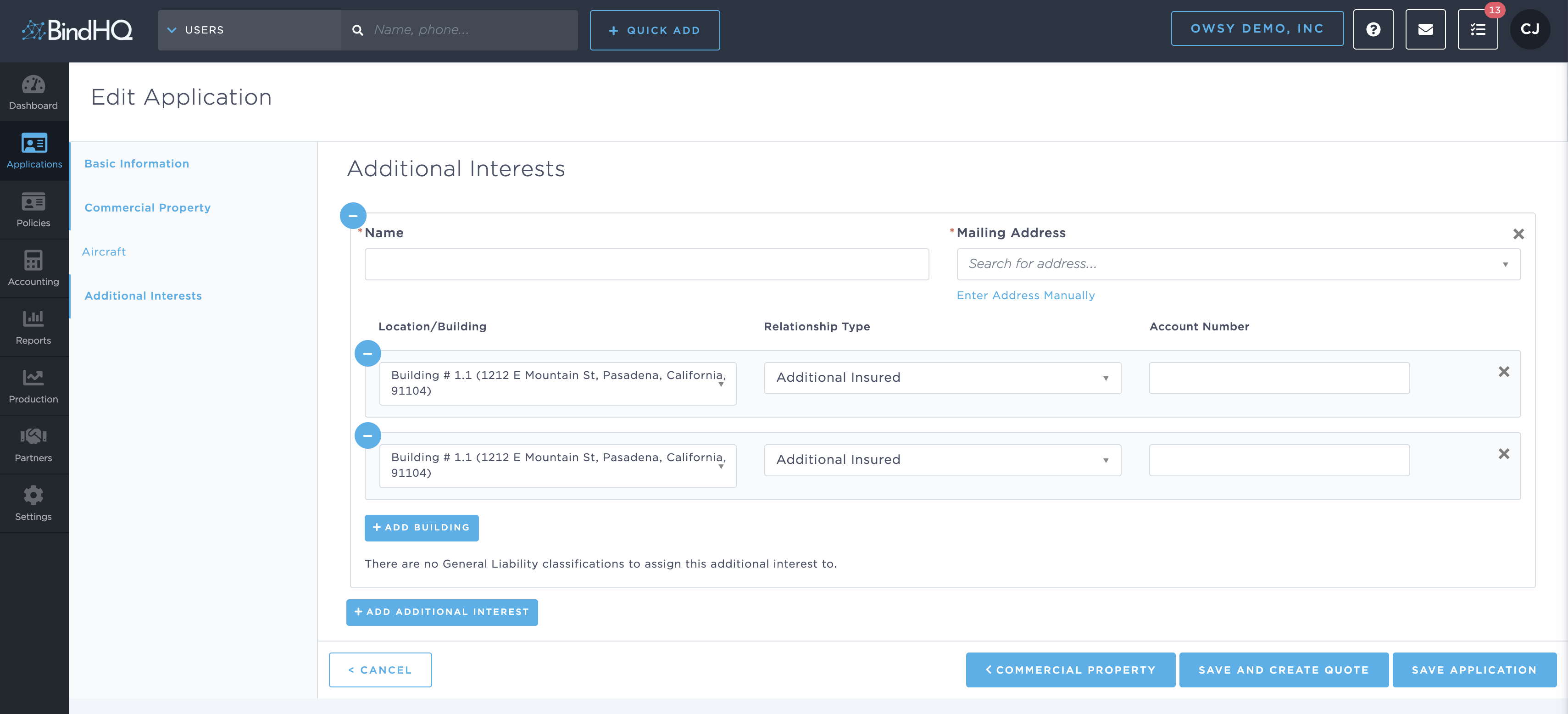
3 | In the new panel, type the legal Name of the additional interest. | |
4 | Under Mailing Address, begin typing to search or click Enter Address Manually to enter the address lines, city, state, and ZIP code. |
Tip: Use the address search first—BindHQ auto‑completes postal details and reduces manual entry.
2 · Assign Buildings & Relationship Types
In the Location/Building drop‑down, choose the building that the additional interest applies to.
Select a Relationship Type such as Additional Insured, Loss Payee, or Mortgagee.
(Optional) Enter an Account Number supplied by the insured or lender.
To link the same interest to more buildings, click + Add Building and repeat.
Each building line includes a − icon on the left so you can remove a row if needed.
3 · Save Your Changes
When all required fields are complete:
Click Save Application to keep working, or
Click Save and Create Quote to proceed directly to quoting.