Using the Add a New Account Page
Last updated: July 5, 2025
You can use the Add a New Account page to add a new account for your agency.
Applies to:
- Accountants
- Accountant Assistants
Last Updated: June 2024
This article explains how you can add a new account to your Chart of Accounts. You must add the account number, name, description, type, divisions, and a parent account if relevant.
You can use this page to answer the following questions:
- How can I add a new account to the Chart of Accounts?
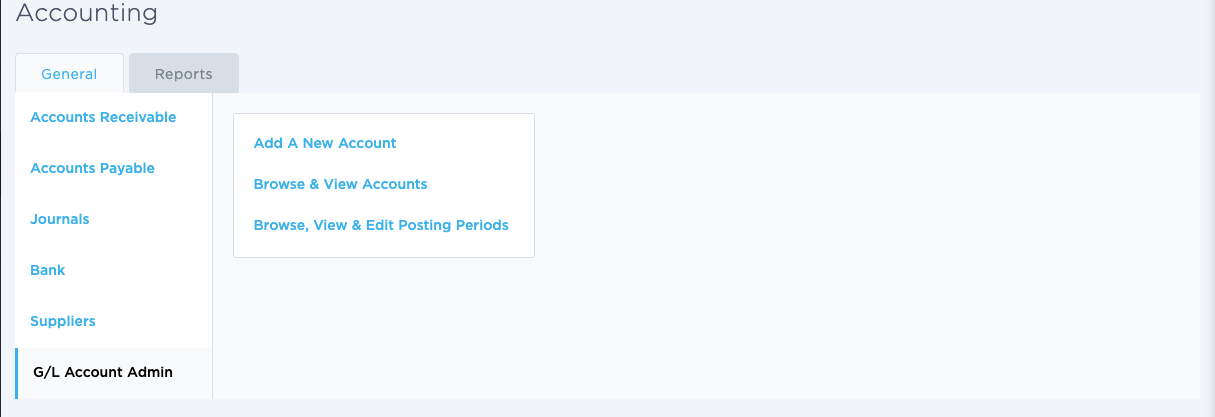
To access this screen click on the Accounting -> G/L Account Admin then select 'Add a New Account'
The following form will ask you to enter the details of your new General Ledger Account.
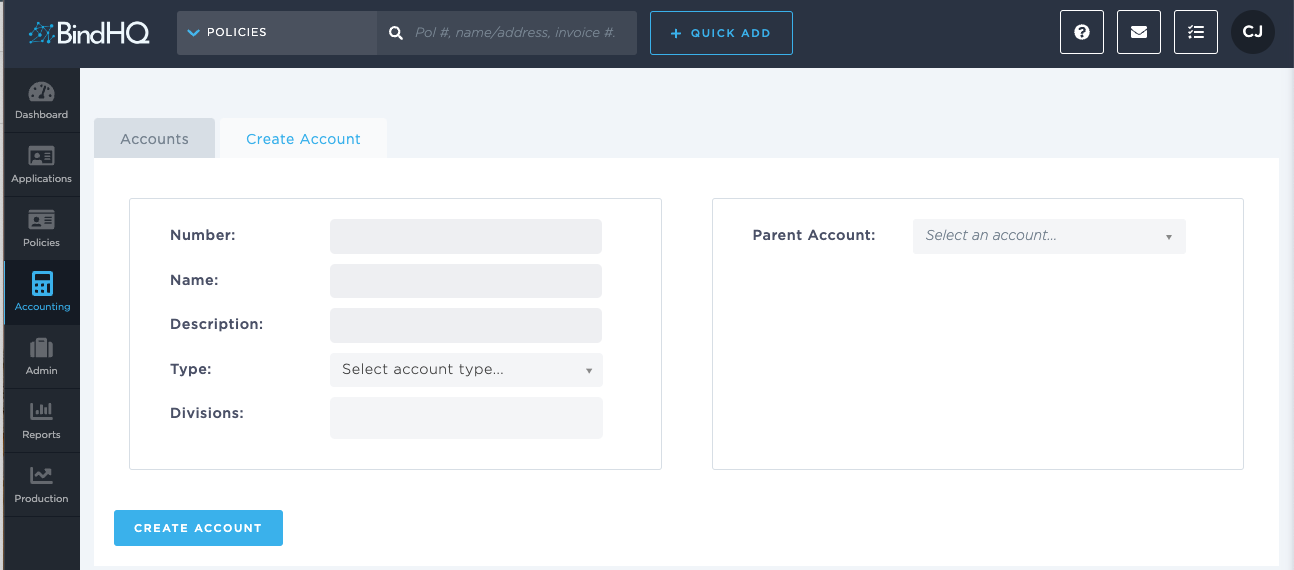
Ensure to add your "Division" to the Account, otherwise it won't show up in transactions as eligible General Ledger Account.
If this account is a child of an existing account, you will be able to select the Parent account via the form on the right hand side of the screen labeled "Parent Account:"