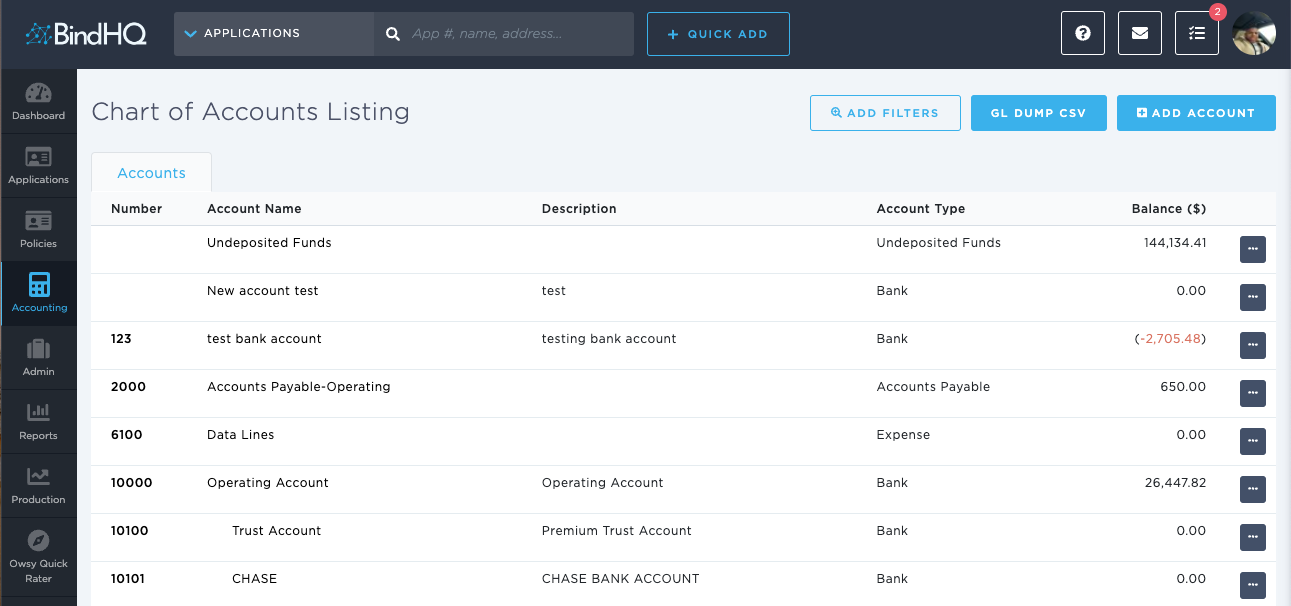
Using the Browse & View Accounts Page
Last updated: July 5, 2025
You can use the Browse & View Accounts page to generate a list of accounts.
Applies to: Accountants, Accounting Assistants
This article explains how you can use the Browse & View Accounts page to look at a list of accounts. You can look at the account number, name, description, type, and balance. Additionally, you can filter by account name and type. You can also choose to generate a CSV file with a general ledger dump of accounts, which allows you to select a division, a From date, and a To date for the CSV file generation.
You can use this page to answer the following questions:
- How can I look at a list of accounts for my agency?