SLA Reports (California: CA SLA, Texas SLTX)
Last updated: July 5, 2025
Goals
- Understand how to upload and submit a batch of policy & endorsement transactions to the CA SLA or Texas SLTX portals
- Report to your states Surplus Lines Association on a regular basis
Applies to:
- Program Administrators
- MGA Compliance
- MGA Accounting
This article explains how to generate an XML bulk report in order to upload a batch of transactions to the for tax and reporting purposes.
MGA Compliance and Accounting teams can use this report to:
- Review the current status of a batch of surplus lines transactions
- Analyze any outstanding items related to these transactions, including cancellations or additional taxes to be collected for each transaction
- Fulfill reporting requirements to third-party stakeholders, including the Surplus Lines Association in states that support XML uploads.
- The report is created by going to the Reports tab in BindHQ, selecting “SLA Reports” and then clicking on the “Process SLA Batches” report.
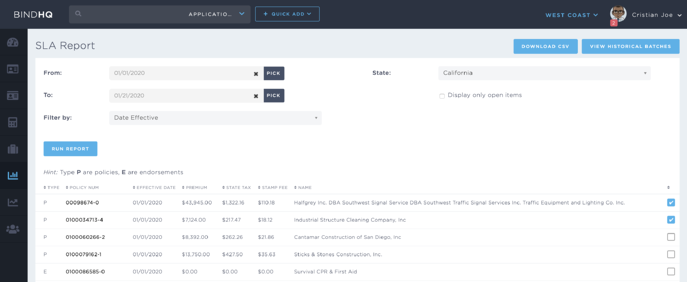
Policies are displayed with a 'P' icon and Endosrements are displayed with 'E' icon. Select the items you would like to file and click the 'Create Batch' button.

2. After a user has created a batch they will be taken to the batch listing page. Users can request an XML summary by clicking on 'Downloads' and then selecting the type of XML file for their respective state authority.
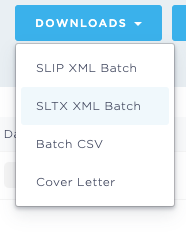
The user will receive a .ZIP file that contains the XML file over email, and they will be able to upload it to the respective States website.
Today BindHQ supports the XML format for California SLIP and Texas SLTX
3A.
For Californa:
After the user has received the XML file, they can go to the CA SLA website to upload the file for reporting. Then, the user can click on “BIF or XML Bulk Submission/Import Wizard” on the screen to upload the data to the CA SLA. This will allow the user to initiate the reporting process. The data should already be formatted in XML format, and it can be uploaded to the CA SLA. This feature allows the user to maintain compliance with the CA Surplus Lines Association.
- The next step on the CA SLA website is to upload the file and import it into the system.
- The user should then be able to see the details of the transactions on the next page of the website and should be able to submit or edit the report as necessary to the CA Surplus Lines Association.
3B.
For Texas:
After the user has received the XML file, they can go to the SLTX website to upload the file for reporting
Note that SLTX XML files do not contain PDF attachments only data related to the policy or endorsement.
Caveats:
- In order for a transaction to appear within either report it must have its taxes labeled as 'collected in-house'
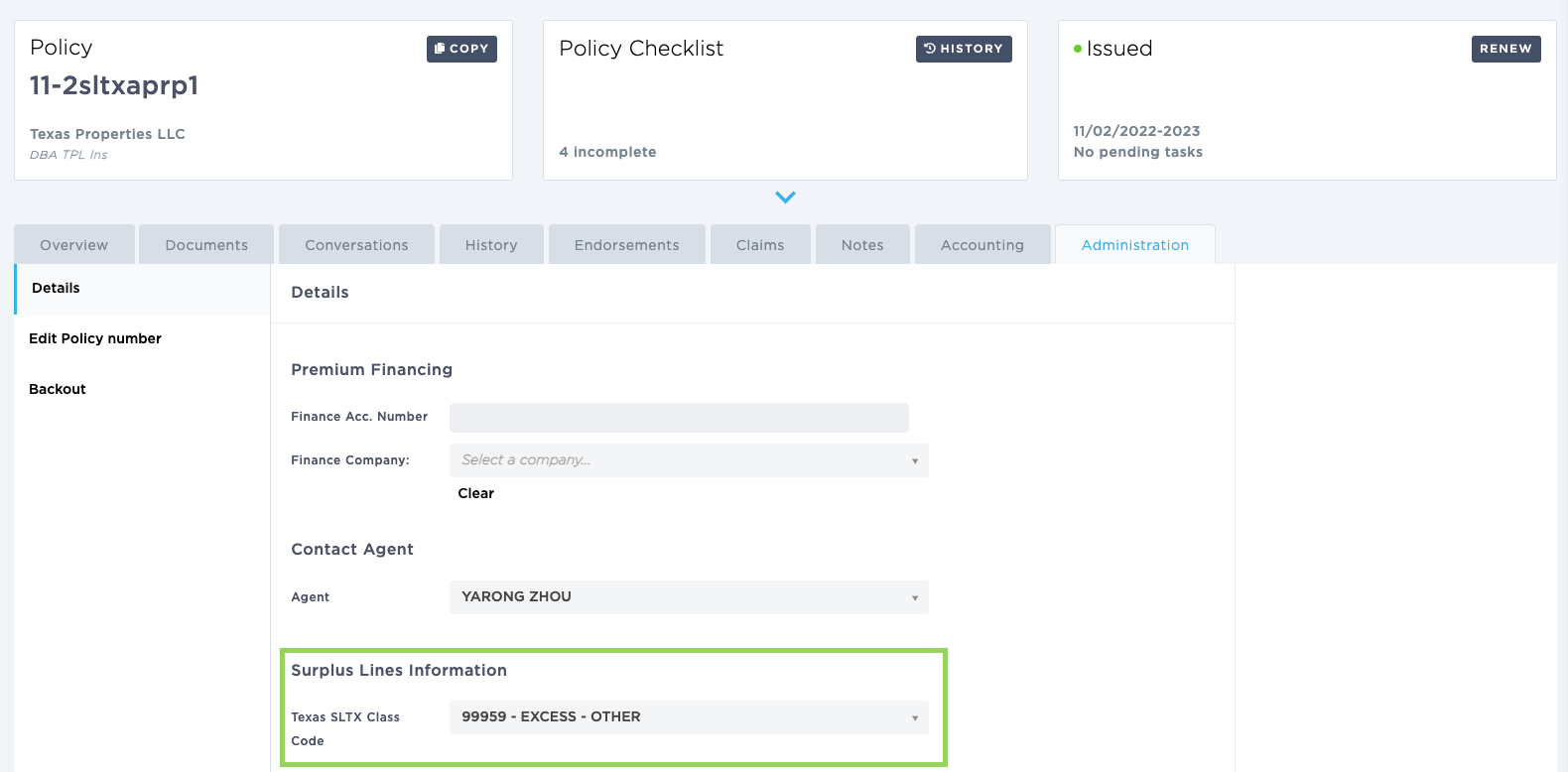
- Each Texas policy must have a matching SLTX class code selected during the binding step (when the policy taxation state is Texas, the carrier is non-admitted, and the taxes are paid in-house) in the Policies administration tab. This is used to classify the risk within the Texas system.
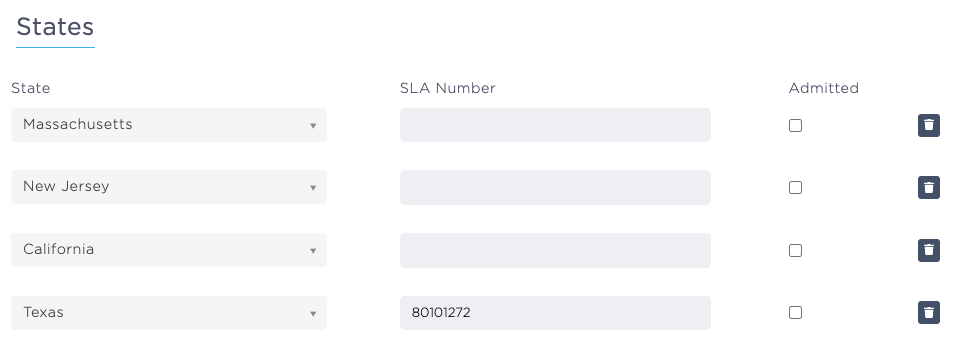
Finally, each E&S carrier within the state of Texas needs to have an SLA number assigned to it. Administrators can assign the SLTX number by searching for the Carrier by name in the search bar and opening its 'Details' tab. Scrolling down will reveal the supported states and the administrator should add the SLA number next to the state of Texas.