User Rights & Reporting
Last updated: July 5, 2025
Different User Types have different rights to view
Applies to:
- All Users
Last Updated: September 2020
This article explains how different users types have varying views of reports
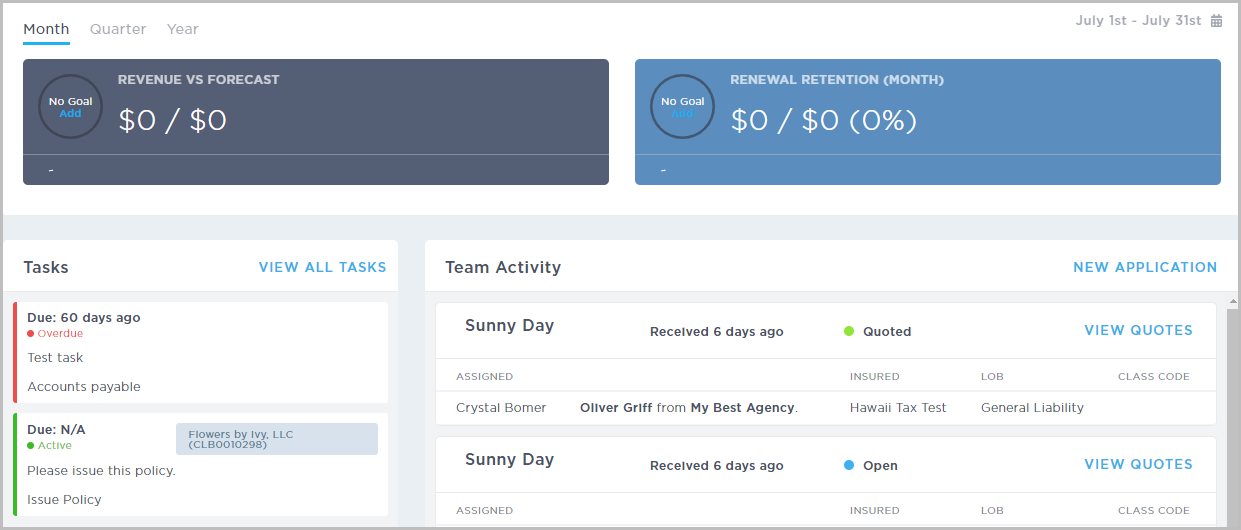
Assistant, Producer, Issuance, and Compliance View
Assistant, Producer, Issuance, and Compliance roles can see report summaries for their revenue vs forecast and renewal retention (month) for the current month, quarter, or calendar year.
Manager View
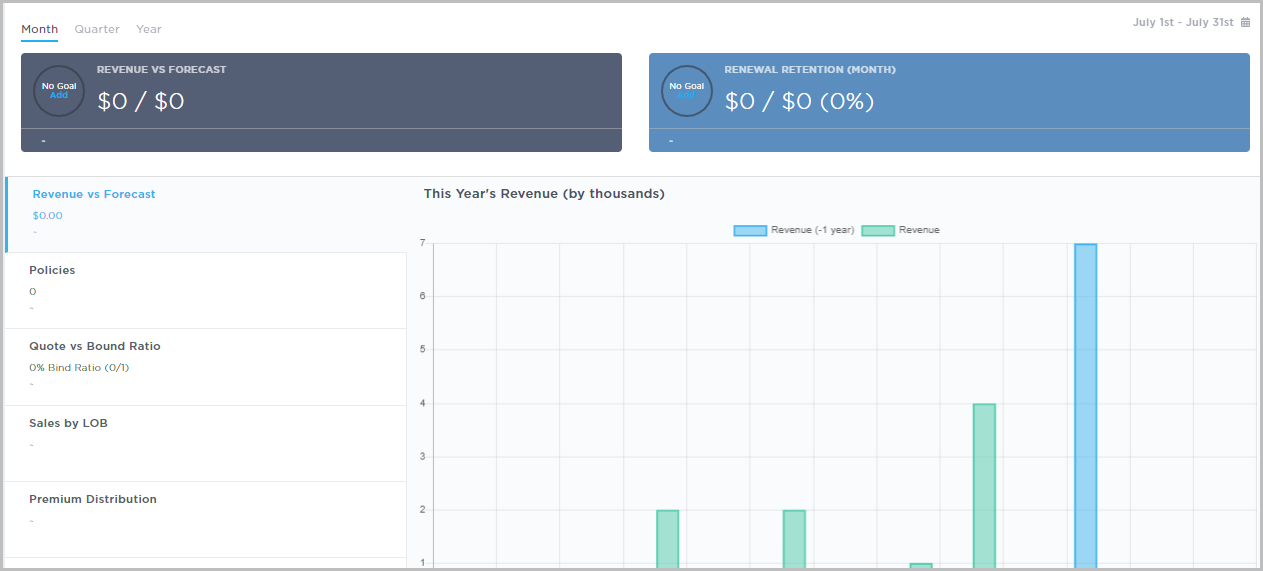
Managers see more data in their report summaries. In addition to the revenue vs forecast and renewal retention (month) data, they can also see :
- Graphs and high-level numbers for the current physical year’s revenue vs forecast
- Policies
- Quote vs bound ratio
- Sales by LOB
- Premium distribution
Administrator & Division Administrator View
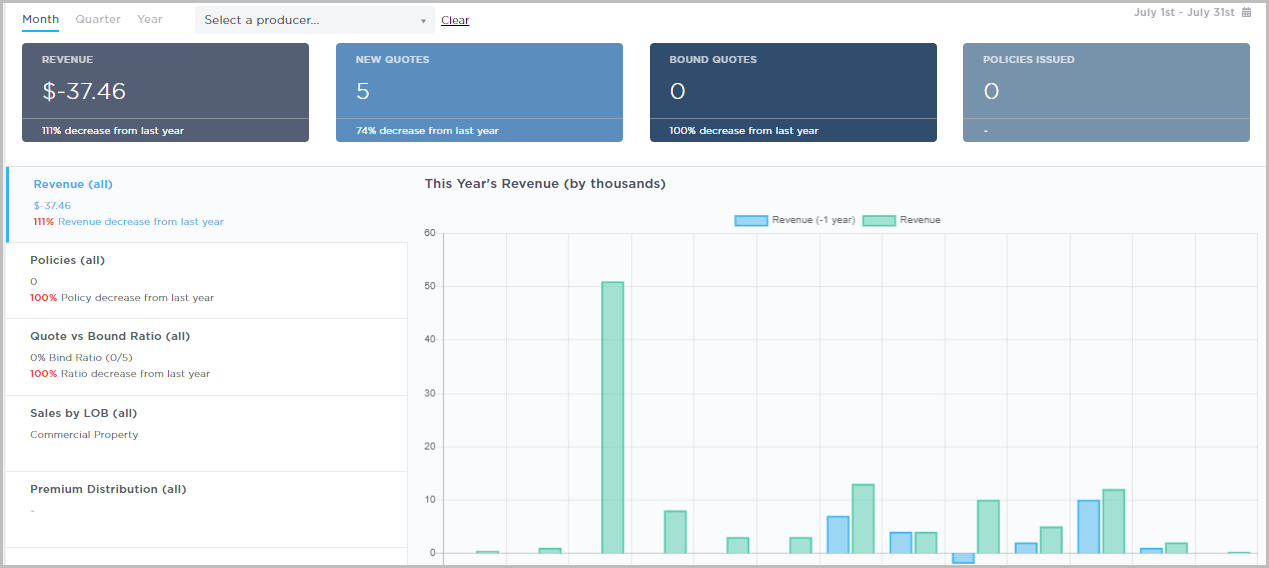
Administrator & Division Administrator roles can see the most detailed report summaries, including:
- Revenue
- New Quotes
- Bound Quotes
- Issued Policies in:
- Current month
- Quarter
- Calendar year
- Revenue
- Quote v. Bound Ratio
- Sales by LOB Current year
- Premium distribution.
- Administrators can filter data by producer by using the Select a producer drop-down to select a producer.