Using the Check Register Report
Last updated: July 5, 2025
You can use the Check Register report to list all the checks issued by your agency searchable by check number and by bank account.
Applies to: Accountants, Accounting Assistants
This article explains how to see all of the checks issued by check number for an agency.
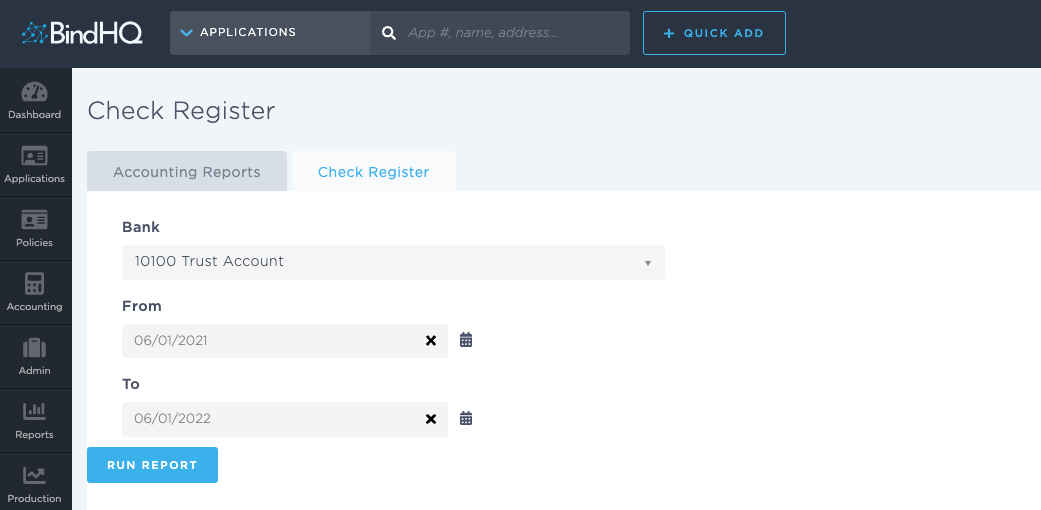
You can find this report by going to the “Accounting” tab in the side navbar, then going to “Reports”, and then selecting “Check Register” from the General tab.
You can use this report to answer the following questions:
- What checks have I issued by bank account for my agency?
You can use this report to filter by any of the Bank accounts you have saved in BindHQ, as well as specified time parameters by using the “From” date, and “To” date.
This Check Register report will display on screen.
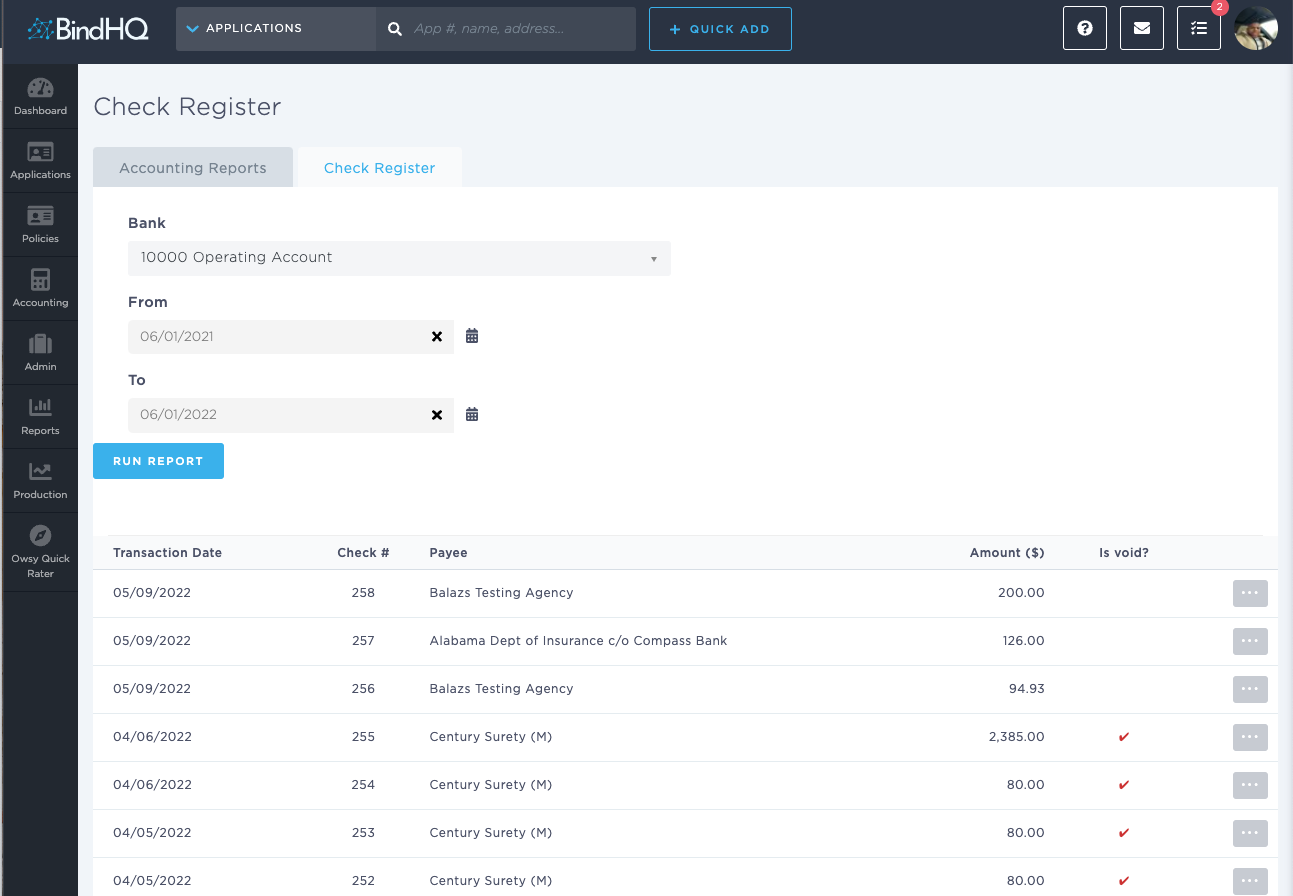
You can view the Payment Detail page for the specific check by clicking on the grey button on the right hand side of the UI.