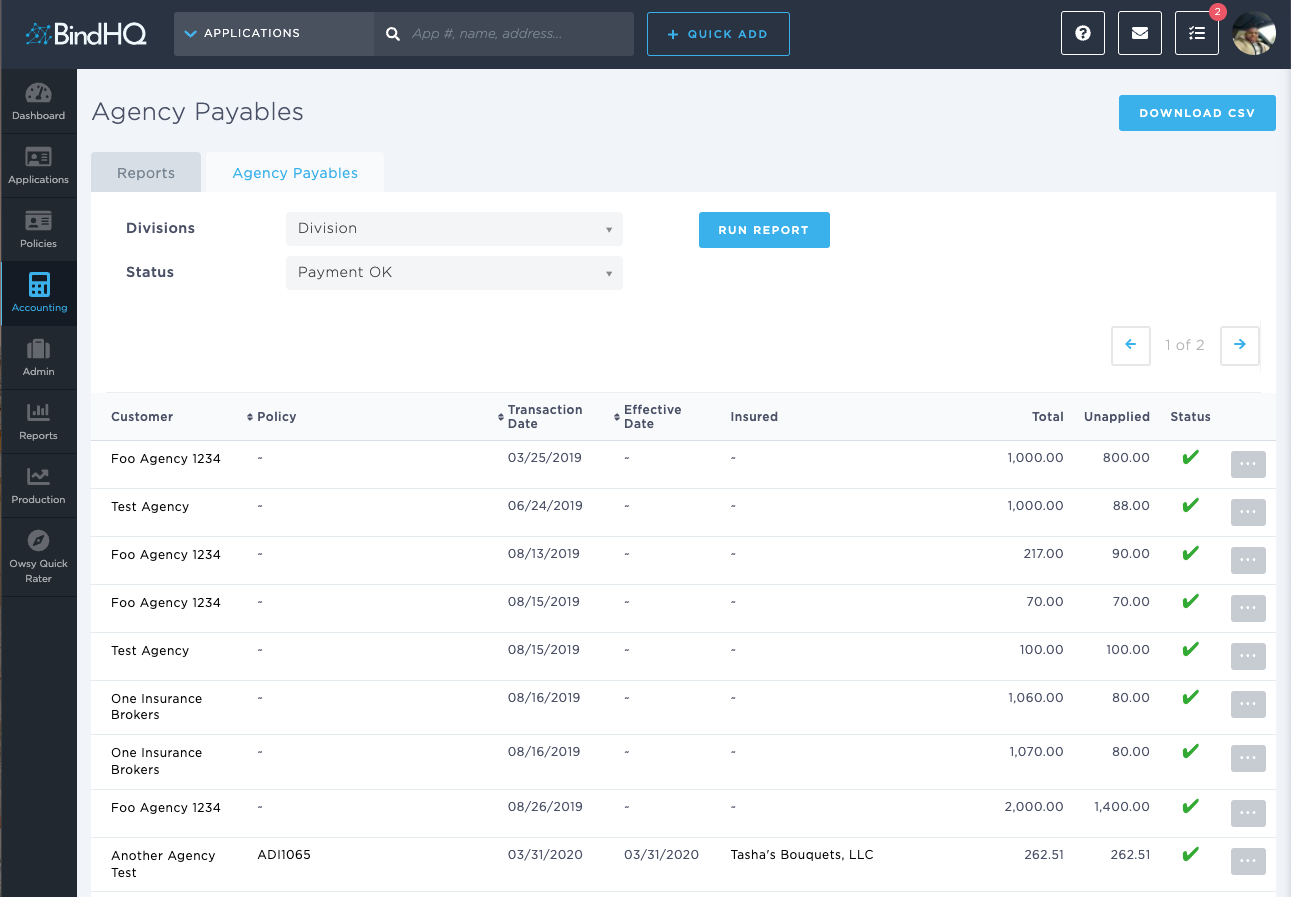
Using the Agency Payables (Agency Bill) Report
Last updated: July 5, 2025
You can use the Agency Payables report to list credits where the bill credit amount has been received.
Applies to: Accountants, Accounting Assistants
This article explains how to use the Agency Payables report to list credits where the bill credit amount has been received.
You can find this report by going to the “Accounting” tab in the side navbar, then going to “Reports”, and then selecting “Agency Payables (Agency Bill)” from the Payables tab.
You can use this report to answer the following questions:
- How can I generate a list of credits where the bill credit amount has been received?
You can filter transactions for the following payment use cases:
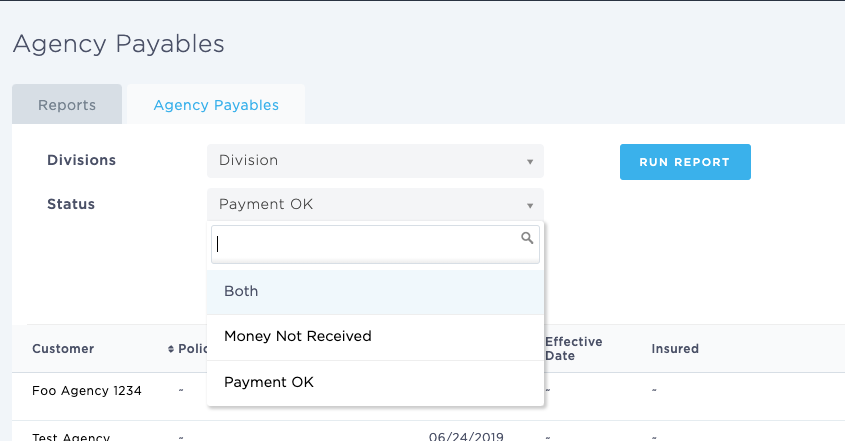
- Money not received will display agency bill transactions where funds have yet to arrive into the General Ledger.
- Payment OK denotes transactions where payment has been received from the customer
- Both: Will display both use cases.
Once satisfied with the Criteria you can click on 'Run Report'