Using the “Customer Statements” Report
Last updated: July 5, 2025
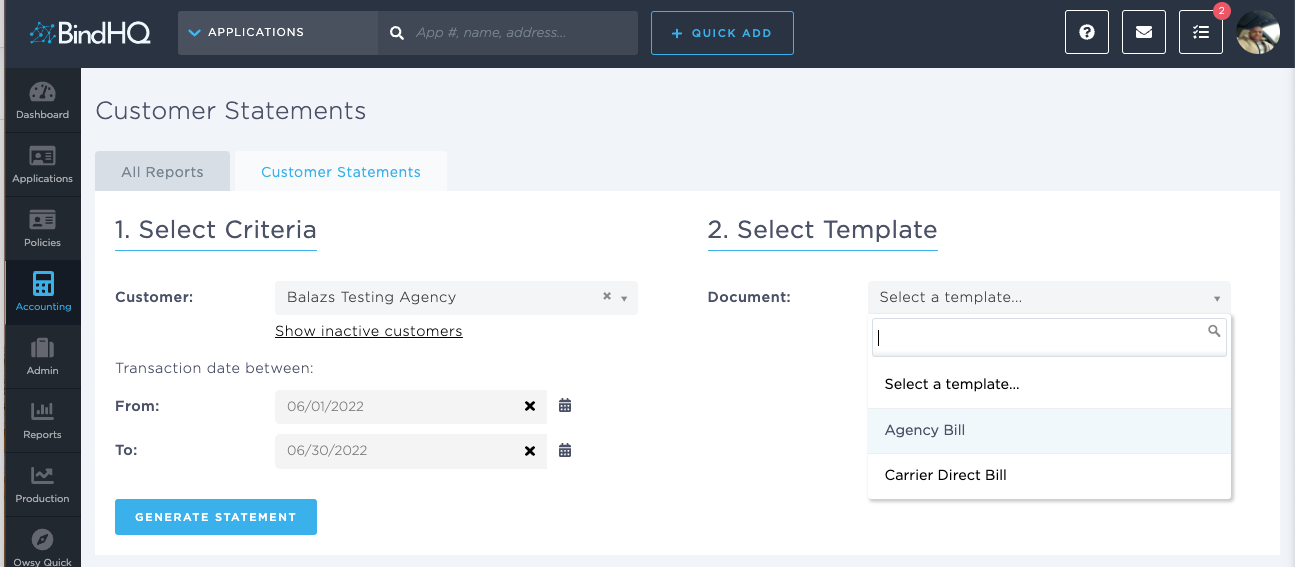
You can use the “Customer Statements” Report to generate customer statements by specific time period.
Applies to: Accountants, Accounting Assistants
This article explains how to generate customer statements by specific time period.
You can find this report by going to the “Accounting” tab in the side navbar, then going to “Reports”, and then selecting “Customer Statements Report” from the Receivables tab.
You can use this report to answer the following questions:
- How can I generate customer statements by specific time period?